


TravlFi experts share their top tips for how to make a living on the road as a full-time RVer.

In This Article
-
Whether remote work and RV living actually mix
-
The best remote jobs for RV living
-
Internet speeds and data you'll realistically need
-
How to build a mobile office that doesn't wreck your back
-
Daily routines, schedules, and distraction management
-
Connectivity planning across campsites and dead zones
-
The real challenges of working remotely from an RV
-
How to balance work with the reason you went nomad in the first place
-
A data usage table so you can size up your plan
-
FAQs
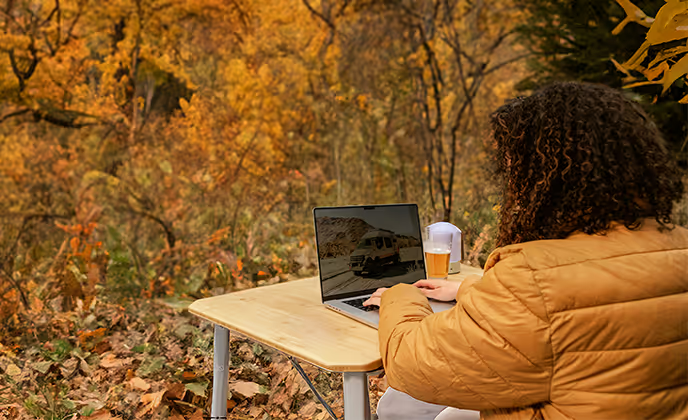
Working remotely comes with amazing benefits, like flexibility, freedom, and the liberation from your daily commute. Studies even show that the ability to self-select one's work environment — a.k.a. no "return to office" mandate — can make workers happier and more productive. The draw of taking your work on the road and exploring the world is, without a doubt, incredibly exciting. But this lifestyle can also have its challenges, and figuring out how to work remotely in an RV means building a setup that holds up to Monday morning Zoom calls and a Tuesday afternoon drive to the next campsite.
This guide walks through the jobs that work well on the road, the internet that makes those jobs happen, and the mobile office, routine, and connectivity decisions that allow a life of working remotely while traveling to feel sustainable. Whether you're a weekender toying with the idea or a full-time RV digital nomad already living it, we’ll help you create a clear plan.
TL;DR
You can work remotely while living in an RV, but your RV remote work setup has to be intentional. That means a job that's independent of location, a cellular internet plan that can handle Zoom calls, an ergonomic workspace, and a daily routine that keeps your work and travel days separate. The strongest RV mobile office setups have a multi-network cellular router (with satellite as backup), and enough data for video calling and cloud backups.
Experts Who Contributed to This Guide
-
This article was written by Chloe Thomas, a prior Marketing Specialist at TravlFi.
-
This article was reviewed by Amanda Capritto, TravlSync editor and full-time vanlifer.
-
This article was updated by Lauren Keary, experienced travel journalist.
-
Dr. Casey Genna, DC, a chiropractor who works with RVers, contributed expertise to this article.

Can You Work Remotely While Living in an RV?
Remote work is the thing that made full-time RV life accessible to people who aren't retired or independently wealthy. When companies proved during the pandemic that knowledge work could happen anywhere with a decent laptop and a stable internet connection, a lot of workers looked at their commute, their cost of housing, and their travel bucket list then booked it to the RV dealership.
Take it from Amanda Capritto, full-time vanlifer and remote worker, who says, "I wouldn't give up remote work for the world. It has completely changed my life and allowed me to experience things I never could if I had to work in an office. But it's not without its challenges. Working full-time while living in an RV or van means you're juggling a lot of moving things, literally and metaphorically."
The digital nomad RV lifestyle has matured in the years since 2020. What started as a handful of YouTubers in converted vans is now a much bigger community of families, couples, solo travelers, and retirees who treat the RV as a full-time residence and home office. As we chatted about in the new American dream, millions of North American households now own an RV, and a solid chunk of those owners are working-age adults who use their rig for extended travel.
You can’t live this life with just any job though. Roles that require a physical location, heavy on-site equipment, or tightly scheduled in-person meetings are hard to run on the road. But anything that lives on a laptop (like writing, coding, design, marketing, customer support, teaching, and consulting) adapts pretty easily to RV remote work, as long as you’ve got the internet to support it.
Best Jobs for Working Remotely From an RV
There are tons of ways to make a living on the road, including plenty of options that don't require a laptop. But if you want to work remotely and on your own schedule, you'll want one of the best digital nomad jobs, like:
-
Digital marketing and SEO
-
Writing and editing
-
Language translating
-
Online personal training
-
Online virtual assistant services
-
Content creation
-
Cybersecurity specialist
-
Software development and IT
-
Online coaching and consulting
Basically anything you can do entirely from a computer and on your own terms is fair game for RVers.
Digital Marketing and SEO
Social media managers, SEO specialists, paid media buyers, and email marketers can run their entire workload from a well-connected RV. Most of the work is asynchronous (like campaigns, reports, content calendars, creative review, etc.) with video calls a few times a week. If you can manage a spreadsheet, a CMS, and an ad platform, the campground at Big Bend is just as viable an office as a WeWork in Austin.
Writing, Editing, and Content Creation
Freelance writing, editorial work, copywriting, and content strategy have been digital nomad staple careers for a reason. You need a laptop, a word processor, and enough connectivity to upload drafts and hop on the occasional Zoom. Photographers, videographers, and podcasters can do their production work on the road too; they just need to plan a little extra time (and data) for editing and uploads.
Virtual Assistants and Customer Support
Customer service representative roles are often entry-level and can be done from your RV as long as you have internet, a headset, and quiet phone service. Online assistants and executive assistants do similar work with more variety (which includes calendar management, email triage, travel arrangements, and research). Online English teachers and tutors run sessions over video for students all over the world, which means waking up early for calls with Asia or staying up late for Europe is part of the deal.
Software Development and IT
Software is one of the higher-paying remote categories, with the U.S. Bureau of Labor Statistics putting the median annual pay for software developers well into six figures. Developers, DevOps folks, IT support professionals, etc. can all work from the road. But if your day involves pulling large repos or running cloud builds in a remote environment, your internet plan has to keep up.
Online Coaching and Consulting
Coaches, consultants, therapists, and virtual trainers make their living on video calls, which means their whole business model is already compatible with RV life. The only real planning is making sure your campground or boondocking spot has the connectivity to handle a full day of back-to-back sessions without freezing mid-sentence.

Internet Requirements for Working From an RV
Getting internet in your RV is the first step to working from an RV (other than getting the RV itself). Plan for at least 25 Mbps download and 3 Mbps upload (enough for a single HD video call and light cloud work). If you regularly host meetings, present, or upload large files (think designers, developers, or video editors), aim closer to 50-100 Mbps down and 10 Mbps up. Zoom's own documentation recommends 3 Mbps for 1080p group video.
Video calling is fine on modest connections. Cloud storage tools can quietly gobble your data and bandwidth in the background though. Same with Slack huddles, Figma, and anything that streams video while you scrub through it. Just make sure you’re monitoring your usage and doing your big uploads overnight or on campground Wi-Fi.
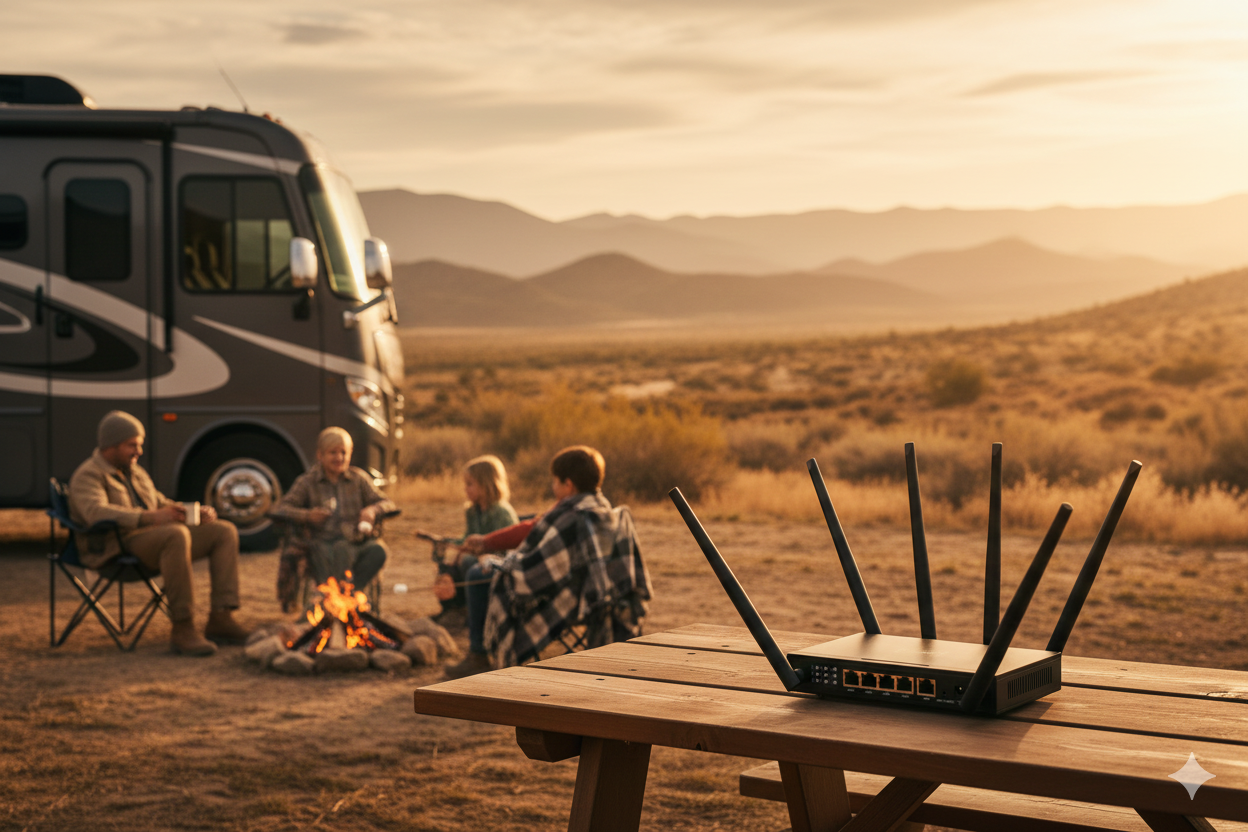
For most RVers, cellular is the primary connection and satellite is the backup (or vice versa, if you boondock deep in the backcountry). Cellular is cheaper and works great anywhere towers reach (like urban areas, most RV parks, and a huge chunk of Interstate travel). Satellite, mainly Starlink, fills in the gaps where cell towers don't, but it costs more, requires a clear view of the sky, needs more time to set up, and can struggle in heavy tree cover or weather. Our full TravlFi vs. Starlink breakdown walks through the tradeoffs.
Learn more about tech for RVers with our guides:
How to Set Up a Mobile Office in an RV
An RV office setup is a combo of workspace design, physical therapy, power management, and discipline. Whether you choose coworking spaces, the buzz of a coffee shop, or your newly renovated Sprinter van, finding a space that works with your work style is important. Personal touches, vibrant colors, and ergonomic furniture can help create an environment that builds creativity and enthusiasm.
Choosing the Right Workspace Inside Your RV
Almost every RV has one spot that naturally wants to be the office. Maybe a dinette with good light, a desk near the bedroom slide, a swivel passenger seat in a Class B, or a purpose-built workstation in a Class A. Pick the spot that gives you a good combo of natural light, a flat surface for a laptop and monitor, and enough separation from the kitchen or bed that you can mentally "go to work" there.
Portable Desk and Workspace Solutions
If your layout doesn't have a built-in desk, portable ones can work just fine. Lapdesks, over-the-lap wooden trays, and mountable systems like the Lagun swivel-arm desk have become staples of the RV mobile office world. The Lagun is particularly popular in vans — it mounts to a pillar and swings wherever you need it, then folds out of the way when work is done. A vertical laptop stand, plus an external keyboard and mouse can create a full workstation out of any flat surface.
Ergonomics in Small Spaces
Working hunched over a laptop on a couch for months is how you end up with a cranky neck, tight shoulders, and wrist pain you didn't have before. "Not having a proper workstation can cause common postural misalignments over time," says Dr. Casey Genna, DC, a chiropractor who works with mobile professionals.
To help with ergonomics, raise your laptop to eye level with a stand, use an external keyboard and mouse, sit on a cushion that keeps your hips slightly above your knees, and stand up to work for part of the day if you can. A counter or kitchen island can double as a standing desk in your RV. Our guide to mobile office upgrades for digital nomads goes deep on small-space alternatives that support both productivity and posture.
Managing Power and Charging Devices
A laptop, a monitor, a router, a phone, and a couple of accessories can use a surprising amount of power. If you're boondocking, a solid solar setup plus a lithium battery bank is your best bet. If you're in a campground with shore power, a good surge protector and a spare battery backup (a small UPS or portable power station) will keep your work flowing if the campground loses power mid-call.

Productivity Tips for Working on the Road
The view outside the window is always trying to out-compete your work. Building and sticking to routines, as tough as it can be while you're on the go, is a critical part of making RV living or vanlife work for you long-term.
Creating Daily Routines
Having a consistent wake-up time is an essential part of having a productive and balanced day, especially when living in an RV full-time where life can start to feel like a vacation. By starting your morning routine at the same time each day, you set a rhythm for yourself. Resisting the urge to hit snooze in your vacation-like environment reinforces discipline and helps you start the day with purpose.
Avoiding immediate online engagement means a more gradual and mindful awakening, reducing stress. Soaking in natural morning sunlight and drinking water first thing kickstarts your body's natural processes and boosts alertness. But these two are general tips no matter if your RV is home. Sticking to a morning routine you’d also have if you weren’t living in your RV sets you up for a productive day, building the resilience to keep this lifestyle going.
Related: A Certified Personal Trainer's Tips for Staying Fit While Traveling.
Setting Clear Work Hours
Having set working hours gives a clear structure to your day and helps with consistency on the road. Blocking set periods for specific tasks adds even more structure, making your working hours focused and efficient. Setting small, doable goals within these time blocks keeps you focused and gives you a better look into your progress.
Knowing when to log off gives you that solid work-life balance. By clearly expressing your working hours and setting expectations, you create an environment in your RV that, after a certain hour, transitions your space from office to nighttime lounge (even if nothing is physically changing).
Establishing a work shutdown ritual eases that transition. Whether it's reviewing the day's accomplishments, preparing a to-do list for tomorrow, or just shutting your laptop, this ritual creates a mental boundary that tells your brain the workday is over even if your location isn’t changing.
Scheduling Travel Days Around Work
The cleanest version of remote work on the road treats travel days and workdays as separate categories. If you're following the 3-3-3 rule (drive no more than 300 miles, arrive by 3 p.m., stay at least three days), your travel day becomes a short morning of driving plus an afternoon to set up. The two days after that are full workdays at a stable campsite with known connectivity.
Avoiding Distractions While Traveling
Distraction on the road can be both the internet kind (social media, news, endless email, etc.) and the analog kind (the trailhead you can see out your window). Standard time-blocking tricks work well, and breaks help keep your mental and physical health in check while working remotely. Planning breaks every 25-90 minutes fits well with our brain's natural flow, giving yourself moments that help reset. Adding a brief walk to these breaks is a great idea for both a physical recharge and to stimulate the mind. Save the big outdoor time for evenings and weekends so it feels like a treat for all your hard work.
Managing Internet and Connectivity While Traveling
Your connection is only as good as your planning. A little work upfront saves you from the dreaded "sorry, my internet just cut out" during performance review week.
Planning Campsites Around Connectivity
Before booking, check cell coverage maps, read through reviews on Campendium and RV Trip Wizard, and sanity-check whether the campground's own Wi-Fi is worth anything. If you have a heavy work week coming up, pick campsites that are rated well for connectivity instead of the most remote option on your bucket list.
Using Multiple Internet Options
Most full-time RVers who work remotely end up with a layered RV internet for remote work stack. This typically includes a primary cellular router, a backup hotspot on a second carrier, and either Starlink or campground Wi-Fi. Redundancy is what turns a single outage from end-of-the-world chaos into an inconvenience.
Preparing Backup Connections
Having at least two ways to get online is a remote work while traveling must-have. But it’s pretty straightforward, just your main cellular router plus your phone's hotspot on a different carrier. A slightly more serious version would be a dedicated mobile hotspot as backup to a router. And if your livelihood depends on never missing a call, a satellite option like Starlink Roam is the ultimate backup. A cellular signal booster can also make a weak signal usable, which has saved more than a few dropped calls.
Challenges of Working Remotely From an RV
Working from your RV can be the best thing to happen to your career, but there are still a few honest challenges to plan for.
Limited Connectivity in Rural Areas
Dense forests, mountains, and deserts are often the worst locations for service. If your income depends on being reachable, you'll want to plan your route with cell coverage in mind. If your finances allow, invest in satellite, so you can take a call from the backcountry.
Managing Time Zones
Moving across the country means your working hours shift with you. If you’re required to work the same hours as your company’s home office, some remote workers lock their schedule to their company's time zone and virtually ignore the time in the RV. Others adapt to local time at each stop if their company doesn’t mind the time difference.
Workspace Limitations
Your office will always be within arm's reach of the kitchen and the bed in your RV, which can be both positive and negative. Building a workspace you can physically and mentally "leave" at the end of the day is harder for RVers than house-dwellers.
Work-Life Balance on the Road
When your office, home, and vacation are all the same 300 square feet, separation is difficult. Defined work hours, a physical shutdown ritual, and campsites chosen to give you room to step outside and decompress after work help create that balanced life. Otherwise, you end up working at 9 p.m. on a Friday in a place you drove hundreds of miles to enjoy.
Tips for Balancing Work and Travel
The whole point of this lifestyle is getting to do both. Working remotely definitely has its perks, offering a dynamic and flexible professional setup. Being able to work from different places gives a unique freedom that boosts productivity and creativity. But we have some tips on how to actually pull this off and make the most of this lifestyle.
Plan workdays before travel days rather than the other way around. Block your week by what's due for work, then slot travel into the gaps. A slow Friday afternoon with light meetings is a good travel window. Stay put for the big pitch with the client on Monday.
Build routines that work well on the road. Morning coffee in the same mug, the same first hour of email, the same afternoon walk, and the same after-work wind-down are good ways to stick to a “work routine” no matter where you are. They're what keep your brain in "work mode" even when the view out the window is brand-new every week.
Schedule in downtime and time for exploration throughout your work weeks. Hiking weekends, no-laptop evenings, and full days off should be on the calendar the same way meetings are. Otherwise "I'll explore when the work is done" can easily turn into endless workdays that blend into doing “just a little extra work to get ahead” on weekends.
And give yourself buffer days at every new destination. Arriving, setting up, and figuring out where the grocery store is takes longer than you think. A full buffer day between arrival and your first big meeting keeps new-campground chaos from interfering with your work.

How Much Internet Data Remote RV Workers Need
The right amount of data is what’s behind RV internet for remote work. Heavy video callers and streamers can burn through 300+ GB a month easily. Light users who write and email might use a fraction of that. The table below shows publicly reported averages to help snag the right plan for your personal needs.
|
Activity |
Data Usage |
|
Zoom 1:1 HD video call |
~1.0-1.6 GB per hour |
|
Zoom HD group video call |
~1.4-2.5 GB per hour |
|
Voice-only Zoom or phone-style call |
~30-40 MB per hour |
|
HD video streaming (Netflix, YouTube) |
~3 GB per hour |
|
4K video streaming |
~7 GB per hour |
|
Music streaming (Spotify high quality) |
~140 MB per hour |
|
Cloud file backups (Dropbox, Google Drive, iCloud) |
~1-5 GB per hour, depending on file size |
|
Web browsing and email |
~60 MB per hour |
|
Screen sharing |
~25-70 MB per hour |
|
Scrolling (with autoplay video) |
~150 MB per hour |
Full-time RVers who work remotely commonly use 150-300 GB per month, and heavy streamers or video-heavy workers can even exceed 500 GB. If that sounds like a lot, our guide to how long 200 GB of data really lasts will walk you through actual examples.
Frequently Asked Questions
Can you work a remote job while traveling?
If you have flexible hours and access to a reliable source of internet, you sure can. Folks working full-time on the road use mobile hotspots, RV Wi-Fi solutions, or coworking offices to stay connected. The key is planning ahead for connectivity, time zones, and workspace setup so you can stay productive anywhere.
Can you work remotely while RVing?
Yes. Remote work and full-time RV life are more compatible now than they've ever been. The people who make it sustainable are the ones with a location-independent job, a layered internet setup, a separate workspace, and a real routine.
What internet do you need to work remotely in an RV?
Plan for a cellular router with a good data plan as your primary connection, and a backup (second-carrier hotspot or satellite) for the days your main connection struggles. Go for 25 Mbps down/3 Mbps up as a floor, and 50+ Mbps if you host meetings, upload video, or work with cloud tools.
What jobs allow RV travel?
Writing, editing, design, software development, digital marketing, customer support, online teaching, coaching, consulting, bookkeeping, project management, language translating, content creation, cybersecurity, and any other role that lives on a laptop with flexible meeting hours. If your job can be done in a coffee shop on a Tuesday, you can probably do it from an RV.
How do digital nomads work from RVs?
Most use cellular internet as their primary connection, campground Wi-Fi for light tasks, and a backup like a second carrier hotspot or Starlink. They build a separate workspace inside the RV, keep a routine, and plan campsites around coverage and workload.
How much data do remote workers use?
Full-time RV remote workers commonly use 150-300 GB per month; heavier streamers and video-heavy workers can go over 500 GB. Use the table above to estimate your own pattern, then size your data plan accordingly.
Is RV life compatible with a full-time job?
It can be, but the people who pull it off treat their RV as both a home and an office, plan travel around their calendar instead of the other way around, and have clear end-of-day rituals.
How do you set up an RV office?
Pick the spot in your rig with the best light and flattest surface, raise your laptop to eye level, add an external keyboard and mouse, and use a pillow or adjustable chair to get your posture sorted. Layer in a mounted monitor or swivel desk if you'll be sitting for long workdays.
More Essential Reading for Remote Workers and Nomads
-
Roadschooling This Year? Beginner-Friendly Tips for a Top-Tier Education on the Road
-
How to Get a Digital Nomad Address: Mailing and Physical Address Options for Travelers
-
RV Must-Have Accessories: Best Camper Accessory Ideas to Make RV Life Easier
Which TravlFi Device Is Right for You?
TravlFi keeps you connected on the road. Not sure which device is best for you? Compare below.

Ready to build an RV remote work setup that actually holds up to a full workday? Learn more about TravlFi devices and data plans.

Share: