

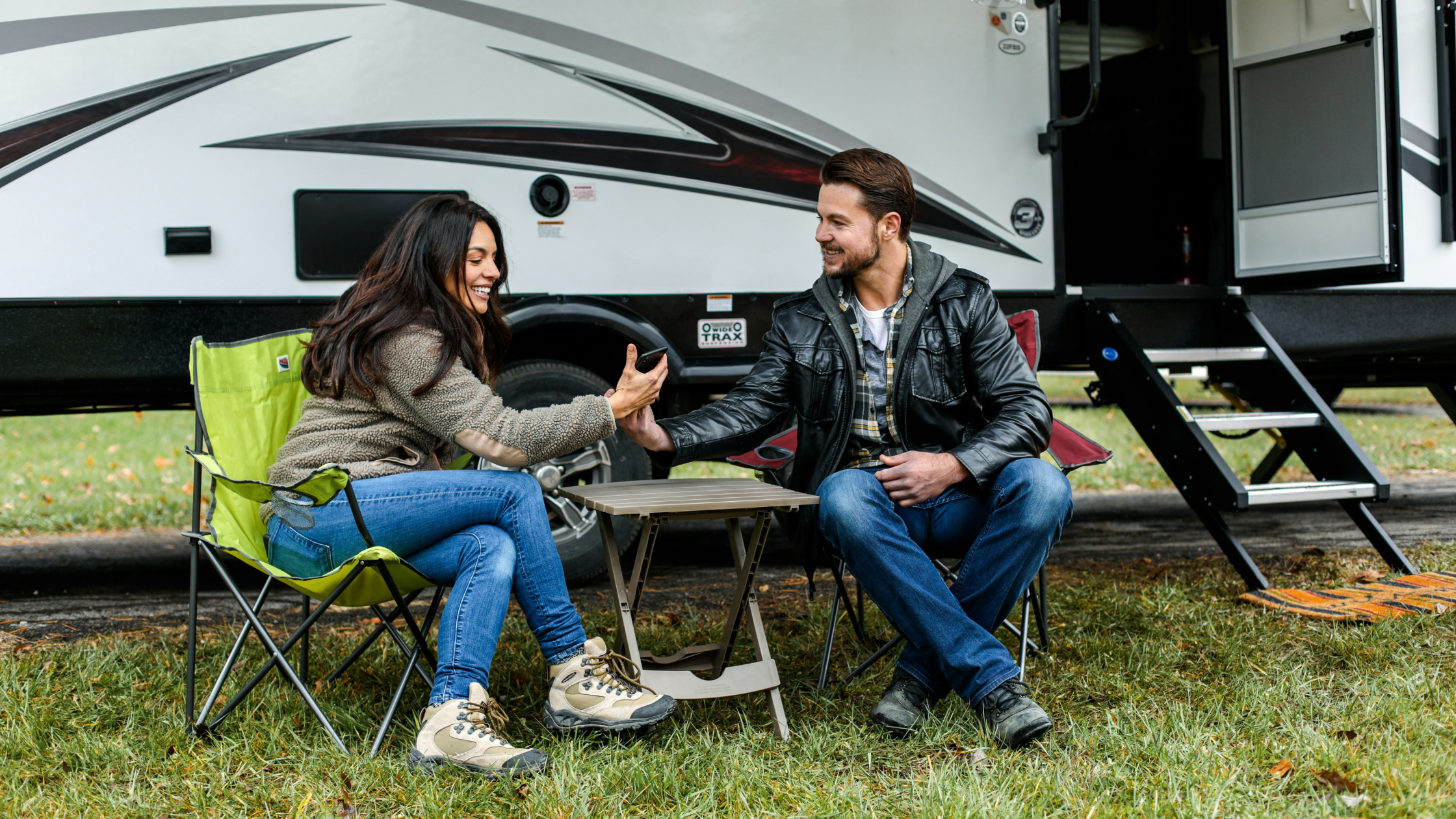
From layered setups to on-the-fly internet options, we’ve got you covered in this RV internet comparison.
RV travelers typically choose between three main internet options: cellular hotspot plans, satellite internet systems, and public or campground Wi-Fi. Each option has different costs, coverage, speeds, and equipment requirements. Cellular hotspots remain the most common RV internet solution, while satellite services like Starlink enable connectivity in remote locations. This guide compares every major RV internet option—including hotspots, satellite providers, and mobile phone tethering—to help you choose the best setup for your travel style.
In This Guide
-
The Main RV Internet Options Compared
-
Cellular Internet for RVs
-
Dedicated Hotspot Devices
-
Cellular Routers
-
Phone Tethering
-
TravlFi Internet for RVs
-
Major Cellular Hotspot Providers
-
Verizon Hotspot Plans
-
AT&T Hotspot Plans
-
T-Mobile Hotspot Plans
-
Multi-Carrier Hotspots
-
Simo Solis Hotspots
-
Inseego MiFi
-
Satellite Internet for RV Travel
-
Starlink RV Internet
-
DISH Satellite Internet for RVs
-
Other Satellite Internet Providers
-
Phone Hotspot vs Dedicated Hotspot
-
RV Internet Equipment Comparison
-
Which RV Internet Option Is Best?
-
Weekend Travelers
-
Full-Time RVers
-
Remote Workers
-
Boondockers
-
Best RV Internet Setup Combinations
-
RV Internet Cost Comparison
-
Frequently Asked Questions
-
Our Final Thoughts on Choosing the Best RV Internet Provider
The Main RV Internet Options Compared
|
Internet Type |
Best For |
Typical Speed |
Cost Range |
|
Cellular hotspot |
Most RV travelers |
10-100 Mbps |
$19-$129/mo |
|
Satellite internet |
Remote camping |
30-200 Mbps |
$55-$165/mo |
|
Phone hotspot |
Light users |
5-50 Mbps |
Included in phone plan |
|
Campground Wi-Fi |
Backup only |
Variable |
Free-$10/mo |
Most RV internet conversations come down to a few different choices. Cellular hotspots, which include everything from TravlFi devices to a $25/month add-on on your Verizon plan, cover the majority of use cases. If you're in or near a town, on big highways, or parked at an established campground, cellular works. The best satellite internet for RV (mainly Starlink in 2026, with a few smaller competitors trailing behind) is what you reach for when cellular isn’t available. Phone tethering and campground Wi-Fi are useful as backups, but they aren't sole solutions for actually reliable internet on the road.
Cellular Internet for RVs
Cellular internet is the default RV internet solution. It's affordable, it works in most places RV travelers actually go, and the equipment is small enough to fit in a glove box. The technology uses the same cell towers as your phone, but rather than your phone doing the work, your hotspot or router is pulling signal from those towers and sending it to your devices.
Dedicated Hotspot Devices
Hotspots are ideal for weekenders, casual RVers, and anyone who wants a simple setup. They are small, battery-powered units around the size of an iPhone. They connect to a cell network and send a Wi-Fi signal to your devices. You charge them, turn them on, and you're online, so there’s really no installation or setup required. The TravlFi JourneyGo, JourneyGo 5G, and most multi-carrier hotspots fall into this category, along with carrier-specific options from Verizon, T-Mobile, and AT&T.
The downside is that hotspots typically support fewer devices (usually 10-16) and can’t send their signal as far as a router. Though I haven’t personally had an issue with my JourneyGo 5G on the camping trips I’ve taken with my husband—we have about six or seven devices connected at any given time with no problem.
Cellular Routers
A cellular router is a more permanent device—AC-powered, mounted somewhere inside your RV, with external antennas for stronger signal pickup. They support more devices (often 32-128) and tend to deliver faster speeds because of the bigger antennas. The TravlFi XTR Pro 5G Router, Pepwave Max BR1, Cradlepoint cellular routers, and other RV-focused models all fit this category. Routers are best for full-timers, large RVs with multiple users, and anyone with multiple people streaming or working at once.
Phone Tethering
If you don’t want to buy any dedicated internet devices, your phone can still help a little. Turn on your phone's hotspot feature and connect your laptop directly to your phone's cellular data. This does require you to share your phone's data plan though, so your phone has to stay near your laptop (battery drains fast), and most carrier plans cap hotspot data well below your phone's main data allotment. We only recommend you do this occasionally or as a backup.
TravlFi Internet for RVs
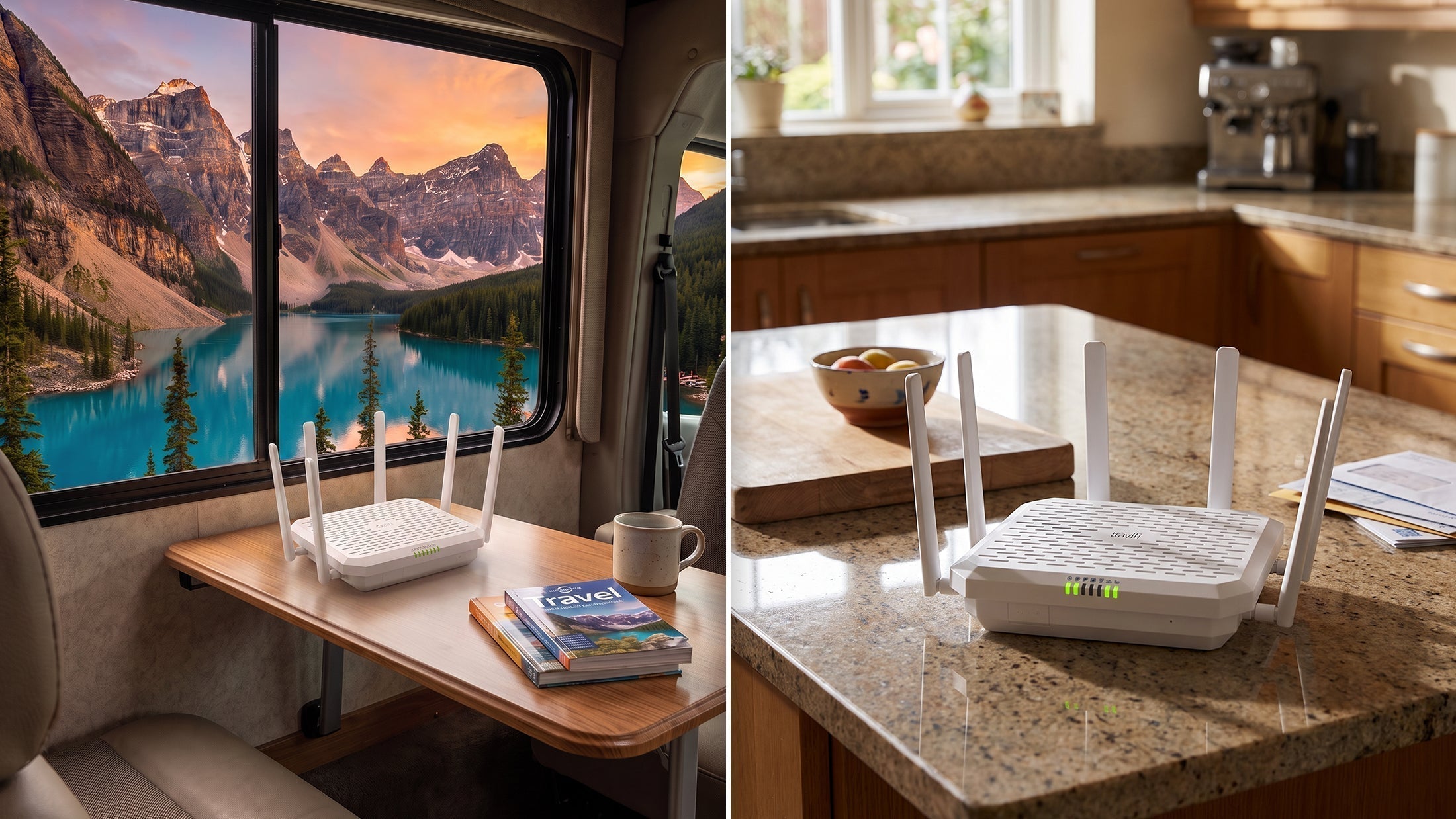
Our company TravlFi offers cellular internet designed entirely around RV travel rather than adapted from home internet. TravlFi devices use eSIM technology and TowerSync software to automatically connect to whichever cellular network among most major networks has the strongest signal in your current location (multi-carrier connectivity).
Combined with pay-as-you-go plans that have no annual contracts, you can pause, downgrade, or increase month-to-month based on how often you're traveling. This is the biggest value play for campers who don't camp year-round. Without the pay-as-you-go option, I’d be stuck relying on my phone hotspot since it would be quite unrealistic for me to pay for monthly coverage year-round on a contract when I’m only traveling a few weekends each season.
|
Feature |
TravlFi |
|
Networks |
Multiple major U.S. carriers via eSIM |
|
Plans |
Pay-as-you-go, $19-$159/month |
|
Hardware |
Hotspots ($159+) and dedicated RV routers ($399+) |
|
Coverage |
U.S., Canada, Mexico |
|
Contract |
None |
|
Pause fee |
None |
Major Cellular Hotspot Providers
For RVers wondering about the best hotspot for RV travel from a major carrier, the three big U.S. networks each offer hotspot or RV-friendly internet options. Coverage and pricing vary between them, so check coverage maps for where you actually travel before you commit.
Verizon Hotspot Plans
Verizon has earned its spot as the default recommendation for RVers heading into rural or remote areas. The carrier covers more square miles of the U.S. than any other, which is imperative when you're 30 miles from the nearest town and need a signal.
Verizon doesn't have a dedicated RV plan, so you're typically adding a hotspot line to an existing phone plan or buying a Jetpack mobile hotspot. Hotspot add-ons usually cap at 30-200 GB of high-speed data per month before throttling. Unlimited hotspot plans run $20-$80/month bundled with a phone plan, or higher separately.
Pros:
-
Strongest rural coverage among the major carriers
-
No throttling on most premium unlimited plans
-
Wide range of hotspot devices available
Cons:
-
No dedicated RV-specific plan
-
Standalone pricing can be steep without a phone plan bundle
-
Hotspot data caps vary widely by plan tier
AT&T Hotspot Plans
AT&T offers hotspot plans both as phone plan add-ons and as standalone Nighthawk mobile hotspot devices. We consider AT&T just okay for RV use since coverage is strong in urban and suburban areas and along major highways, but it tends to weaken faster than Verizon's once you leave populated regions. If your travel sticks to interstate corridors and developed areas, AT&T works. If you often camp off the beaten path, you'll probably notice gaps you may not notice with Verizon.
Pros:
-
Broad national coverage with strong urban and highway performance
-
Competitive pricing on bundled plans
-
Wide device selection
Cons:
-
Coverage weakens faster in rural areas than Verizon
-
No dedicated RV plan
-
Hotspot data is typically deprioritized after a threshold
T-Mobile Hotspot Plans
T-Mobile launched its AWAY plan specifically for RVers and travelers without a permanent address, which makes it the only major carrier with an RV-based option. AWAY costs $160/month for unlimited data (with autopay) or $110/month for 200 GB, and the 5G Wi-Fi Gateway is included.
T-Mobile's 5G speeds in urban and suburban areas are great, but weaker once you move rural. The carrier is rolling out direct-to-cell satellite technology through its Starlink partnership, which should help with rural coverage, but full satellite coverage for hotspot devices is still new.
Pros:
-
AWAY plan designed specifically for RV use
-
Strong 5G speeds in metro and suburban areas
-
Starlink direct-to-cell partnership expanding rural coverage
Cons:
-
Rural coverage still trails Verizon
-
AWAY plan pricing is higher than typical hotspot add-ons
-
Some areas have notable coverage gaps (Mountain West, parts of the Plains)
Multi-Carrier Hotspots
TravlFi is the biggest name in the multi-carrier hotspot space, but a few competitors boast eSIM-based devices that similarly connect to multiple carrier networks rather than a single one.
Simo Solis Hotspots
Solis (formerly Skyroam, now sold by Simo) offers multi-carrier hotspot devices ranging from basic 4G LTE models to 5G ones. The Solis platform automatically switches between major U.S. networks similarly to how TravlFi's TowerSync works. Solis plans typically cap below 100 GB on their "unlimited" plans, which makes them better for light users, rather than full-time workers though.
Inseego MiFi
Inseego is the company behind the MiFi brand. In 2024-2025, Inseego launched its first multi-carrier certified MiFi 5G device, which gives users access to multiple carrier networks through a single device. These are often sold and supported through carrier partners or enterprise channels rather than direct-to-consumer like TravlFi. For RVers, you’ll have access to a well-established hardware platform, but unfortunately, pricing and plan structures depend on whichever reseller you buy from.
Satellite Internet for RV Travel
Satellite internet can reach places cellular networks just can't, like deep public lands, mountain canyons, parts of the coast with no cell towers, and basically anywhere "off the grid" actually means off the (cell network) grid.
Newer systems (Starlink being the biggest) use low-Earth orbit (LEO) satellite constellations, which lower latency enough to make satellite usable for things like Zoom calls and streaming. Older satellite systems used geostationary satellites about 22,000 miles above Earth, which was fine for simple Google searches and email, but the distance delay made interactive use pretty rough. Most LEO systems orbit at around 340 miles, which is why the speed is so much better.
Every satellite system requires a clear view of the sky. Tall trees, canyon walls, lots of foliage, and severe weather can all mess with that. Equipment is bulkier and pricier than cellular, and setup typically requires positioning the dish every time you stop, which can take much longer than just powering on a hotspot for coverage.
Starlink RV Internet
Starlink is the big-name satellite internet option for RVers, and the gap between it and the alternatives isn't really close in 2026.
The Roam plan (formerly the RV plan) is designed for mobile use and gives travelers two main pricing tiers in the U.S.:
-
Roam 100GB: $55/month for 100 GB of priority data, with deprioritized speeds beyond
-
Roam Unlimited: $165/month for unlimited high-speed data with global coverage
Devices range from the portable Starlink Mini at $249 (with a $199 promotional price for new customers) up to the Standard Kit at $349, and the Performance Kit at $1,999 for RVers who need the most high-end equipment. The Mini is the pick for most RVers as it's compact enough to store when you don’t need it and can be set up in a few minutes when you do.
Typical speeds on Roam plans run 25-220 Mbps for downloads, depending on congestion and your location. Latency is higher than cell networks but low enough for most video calls and streaming.
Pros:
-
Coverage in remote areas where cellular doesn't reach
-
High download speeds even in genuinely off-grid spots
-
No data caps on the Unlimited Roam plan
-
In-motion use supported on the Mini and Standard kits
Cons:
-
Hardware cost is significant ($249-$1,999)
-
Monthly pricing higher than most cellular options
-
Requires unobstructed sky access
-
$10/month pause fee
-
Bad signal in heavy weather or with dish obstruction
DISH Satellite Internet for RVs
DISH's satellite offerings for RVs are mainly TV-focused, with internet being secondary through partnerships and older satellite technology. Connection speeds are slower than they are with LEO systems, latency is higher (because of the satellite altitudes), and installation takes longer.
For RVers in 2026, we wouldn’t recommend DISH over Starlink. It's an option, but it’s still an investment, and Starlink works better if you’re looking to make that investment.
Other Satellite Internet Providers
Starlink alternatives for RV travelers are mostly designed for residential use rather than mobile RV life, but they can work in certain situations.
HughesNet
HughesNet uses geostationary satellites for residential and small business internet, and speeds are around 10-100 Mbps depending on plan, with all plans including data caps (after which speeds drop significantly). It works for residential rural users, but the geostationary latency isn’t great for Zoom calls, and it’s not really doing you any favors on the road.
Viasat
Viasat has similar geostationary satellite technology to HughesNet, with comparable speeds (12-100 Mbps depending on plan and area). Viasat works for stationary homes and certain RV use where you don’t need top-notch speeds, but again, latency and equipment design are better for residential home dwellers.
Winegard Satellite Systems
Winegard manufactures RV-specific satellite TV antennas and some internet receivers compatible with satellite providers. The equipment is built for RV mounting and use, but you still need a satellite service plan (typically through partnerships with the providers we talked about above). You can consider it if you want a more permanent satellite installation rather than the portable Starlink dish, but that’s as far as we would recommend it.
Phone Hotspot vs Dedicated Hotspot
Phone hotspots and dedicated mobile hotspots work similarly, and a lot of RV travelers don't realize when one is going to work better than the other.
Using Your Smartphone Hotspot
Every modern smartphone can send a Wi-Fi signal to nearby devices using your phone's cellular data connection without you having to add a data plan or waste time on setup. I personally use this feature most in airports or coffee shops. But there are some cons you’ll want to think through before using phone tethering more seriously.
Firstly, your phone's hotspot data is usually a separate (smaller) allotment from your phone's main data. Hotspot use also gobbles battery power much faster than regular use. You’ll find your phone's modem speeds are slower than dedicated hotspots with newer chips, as well. And most notably, you won’t get a signal when your phone is out of range, and the connected device count is only around 5-10.
Phone hotspots work well for short sessions, backups, and travelers who only need internet occasionally—they just aren’t great as a main connection. I tried using just my phone as a hotspot on my first two camping trips in Bridgeport, CA, and let’s just say my workflow did not run smoothly on those days.
Dedicated Mobile Hotspot Devices
These are small, battery- or AC-powered devices whose only job is providing Wi-Fi to you from a cell signal. These devices are literally built to do this, so they have better antennas, longer battery life, and the ability to connect more devices.
It doesn’t matter if you're working, streaming, or just have a lot of devices to connect, a dedicated hotspot is going to work better than a phone hotspot pretty much always. But the devices themselves are still going to cost more than just paying your regular monthly phone bill ($159-$400 for the hotspot), and you’ll need a separate data plan on top of that.
RV Routers with SIM Cards
RV cellular routers (like the TravlFi XTR Pro 5G) are dedicated hotspots built to run in your rig. They use AC power, support far more connected devices, and come or pair with external antennas that can boost your connection.
These are the right choice for full-time RVers who want a permanent setup. But once they’re in, you can't easily move them between rigs or take them with you when you're out of the RV, the way you can a portable hotspot.
RV Internet Equipment Comparison
For most RVers, you’re likely spending $150-$700 for the primary device, plus optional accessories. But equipment cost is really variable, going from $0 (using your phone) to multiple thousands of dollars (high-end satellite plus cellular booster plus RV router combos).
|
Hardware |
Purpose |
Typical Cost |
|
Hotspot device |
Connects to cellular network and broadcasts Wi-Fi |
$159-$400 |
|
RV cellular router |
Distributes internet to multiple devices, supports external antennas |
$400-$700 |
|
Satellite dish (Starlink or other) |
Connects to satellite network |
$249-$1,999 |
|
Cell signal booster |
Amplifies weak signal |
$400-$800 |
|
External antenna |
Improves signal pickup for routers |
$50-$300 |
A full-time RV internet setup costs $500-$2,500 in equipment depending on whether you have satellite. Most weekenders and seasonal RVers (like me) do fine with $200-$400 in equipment total though.
Which RV Internet Option Is Best?
We can’t answer which internet is best for RV travel for you. For me personally, I’m good with just a hotspot since I only camp a few times each season (they call us weekend warriors), but if you’re a full-timer, my best option isn’t your best option. Allow us to explain.
Weekend Travelers
If you're camping a few weekends a month at established campgrounds and RV parks, a basic multi-carrier hotspot or even a phone hotspot is going to be perfectly fine. Most developed campgrounds have at least decent cell coverage, and you won’t need much data outside of evenings and weekends.
Go with a portable cellular hotspot ($159-$300 range) on a pay-as-you-go plan, so you only pay during months you're actually in your RV—I didn’t have to pay an entire winter since I wasn’t traveling then. And if you travel sporadically like me, you don’t even need to look at satellite, the value isn’t there for super part-timers.
Full-Time RVers
Full-timers need redundancy, need we say it again? One internet system always fails eventually. Most full-timers have at least two systems (a primary cellular setup like a multi-carrier router, and a backup, which is usually either Starlink or a phone hotspot).
Opt for a multi-carrier RV router (the TravlFi XTR Pro 5G or similar) as the daily workhorse, with Starlink Mini as backup for off-grid time. Add a cell booster when you want to grab a signal that’s giving you one bar otherwise.
Remote Workers
Clocking in from your rig means you need internet that can handle your call schedule and any big uploads you may have lined up. Cellular is usually fine in populated areas, but the moment you're parked somewhere with one bar and you have a 9 a.m. Zoom call, everyone is stressing.
My JourneyGo 5G hotspot worked just fine for my work days on its own, but we were also still parked within 4G range. Realistically, you’ll want multi-carrier cellular as your main connection, with Starlink as a backup. If you frequently camp in lots of foliage or deep in canyons (places Starlink can't see the sky), a cellular booster is also going to be a necessity.
Boondockers
Boondocking means camping on public land or in remote spots without hookups, which also means you’re typically far from a cell signal. Starlink is standard for boondockers, and it's the only consumer internet solution that works in places like national forests and BLM land.
Buy a Starlink Mini (or Standard Kit, depending on how much space you’re working with) as the primary, with a cellular hotspot as backup for travel days or an urban stopover. The cell booster won’t do you much good if you’re truly out of tower range though, so you can skip that.
Best RV Internet Setup Combinations
Combination setups beat single setups for almost every full-time RVer.
Cellular + satellite: Cellular handles the 80% of travel that happens in or near towns and cities; satellite picks up when cellular drops.
Hotspot + phone backup: A cheaper approach for travelers who don't go fully off-grid. Your primary hotspot handles daily use; your phone's hotspot kicks in if that hotspot fails or you need internet away from your rig.
Router + booster: The cellular router gives you the speed and higher device count; the booster pulls in signal where it would otherwise be unusable. This is common among RVers who camp in rural spots but don't fully need satellite.
RV Internet Cost Comparison
Pricing for RV internet varies depending on the setup, and the upfront equipment cost is sometimes the lesser concern vs. the monthlies.
|
Internet Type |
Hardware |
Monthly |
|
Cellular hotspot (TravlFi, Solis) |
$159-$400 |
$19-$129 (depending on data tier) |
|
Major carrier hotspot (Verizon, AT&T, T-Mobile) |
$0-$400 (often bundled) |
$20-$160 |
|
Cellular RV router |
$400-$700 |
Same as hotspot plans above |
|
Starlink Roam |
$249-$1,999 |
$55-$175 |
|
Satellite (HughesNet/Viasat) |
$300-$1,000 |
$60-$175 |
|
Phone hotspot |
$0 (use existing phone) |
Often included with phone plan |
|
Cellular booster |
$400-$800 |
None (no subscription) |
Yearly costs for typical RV internet setups range from about $250/year (phone hotspot plus occasional $19/month TravlFi pay-as-you-go) to $4,000+/year for full-timers running cellular plus Starlink Unlimited plus paying for any equipment repairs.
Frequently Asked Questions
What is the best internet for RV travel?
For most RVers, a multi-carrier cellular hotspot or router is the best primary internet device. If you regularly camp off-grid or deep in the wilderness, adding Starlink on top of cellular provides coverage almost anywhere.
Is Starlink better than cellular internet?
Starlink is better in rural locations with no cell coverage, where its satellite network keeps you online when cell signal doesn't exist. Cellular is better in populated areas since it’s both cheaper and easier to set up. Many full-time RVers use both (rather than weighing Starlink vs cellular internet), with cellular as their main workhorse and Starlink as a backup for rural travel.
Can you use your phone hotspot for RV internet?
Your phone's hotspot feature works fine for short periods or as a backup. But it’s not great as a main connection because of limited hotspot data, battery drain, minimal device support, and speeds.
Is satellite internet worth it for RV travel?
For remote full-time RVers, yes, Starlink in particular has made satellite actually functional for streaming, Zoom, and work in places that used to simply be out of range. For weekenders and travelers who stick to populated campgrounds though, you don’t really need it.
How much does RV internet cost?
Cellular hotspots with small data plans can cost $15-$30/month, mid-range setups with unlimited plans run $80-$160/month, plus the hardware cost ($159-$400) for both. Starlink on top of a cellular setup increases the monthly total to $215-$325, plus the satellite devices. Most RVers pay $50-$200/month to have internet in their rig.
Our Final Thoughts on Choosing the Best RV Internet Provider
Where do you travel? What do you do online? And what kind of money will you pay for equipment and monthlies? Most RVers who answer these questions end up with a multi-carrier cellular setup as the main connection, something like TravlFi or a similar device that uses signal from whichever carrier has the strongest connection in your spot. Once you’ve got that figured out, you’ll need to ask whether you need to layer satellite (for off-grid travel), a signal booster (for weaker-coverage areas), or a backup phone hotspot.
Many full-time RVers eventually have two or three of these going at once to stay online even at a weak-signal destination. It costs more, but reliable internet on the road isn't a place to cut corners if your job needs you online from rural Wyoming and a campground just outside LA alike.
Which TravlFi Device Is Right for You?
TravlFi keeps you connected on the road. Not sure which device is best for your setup? Compare below.

Learn more about TravlFi devices and pay-as-you-go data plans before you decide your next internet move.


Share:
A Full-Time Traveler Shares the Top RV Internet Options That Power Her Life on the Road
Get More From Your XTR Pro